Style
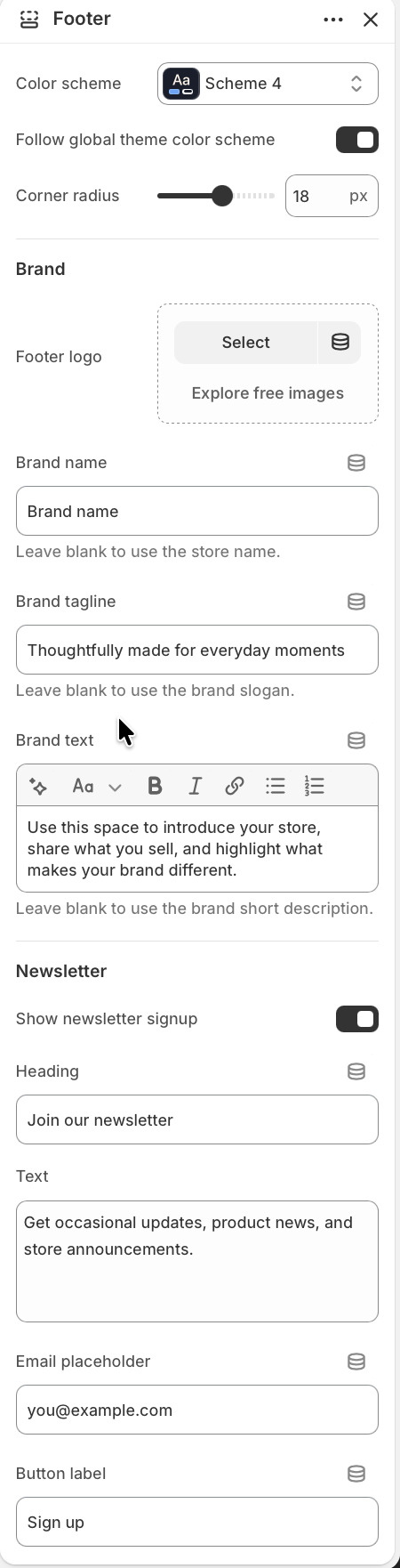
Set the footer color treatment and container shape.
Choose a Color scheme, or enable Follow global theme color scheme to use the theme-wide default. Use Corner radius to soften or square off the footer panel.
Brand
Control the logo, name, tagline, and intro text.
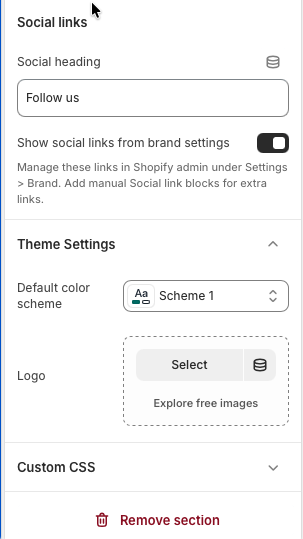
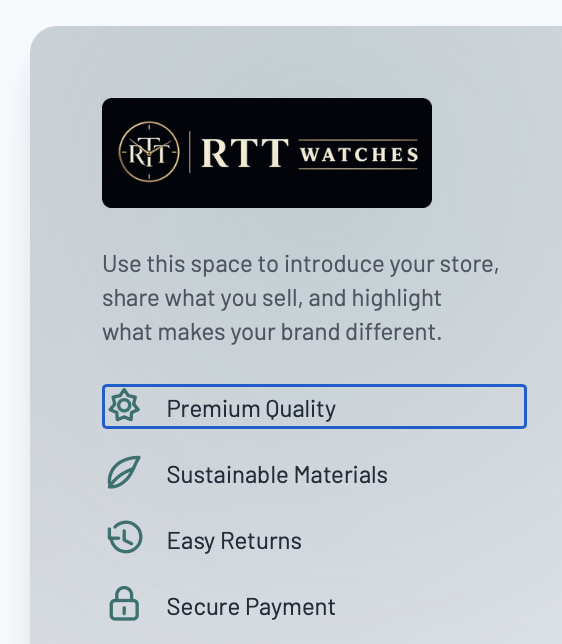
Upload a Footer logo when the footer should use a different mark from the global logo. Set Brand name, Brand tagline, and Brand text for the footer intro. Blank fields fall back to store name, brand slogan, or brand short description when those values are available.
Newsletter
Show a customer signup panel in the footer.
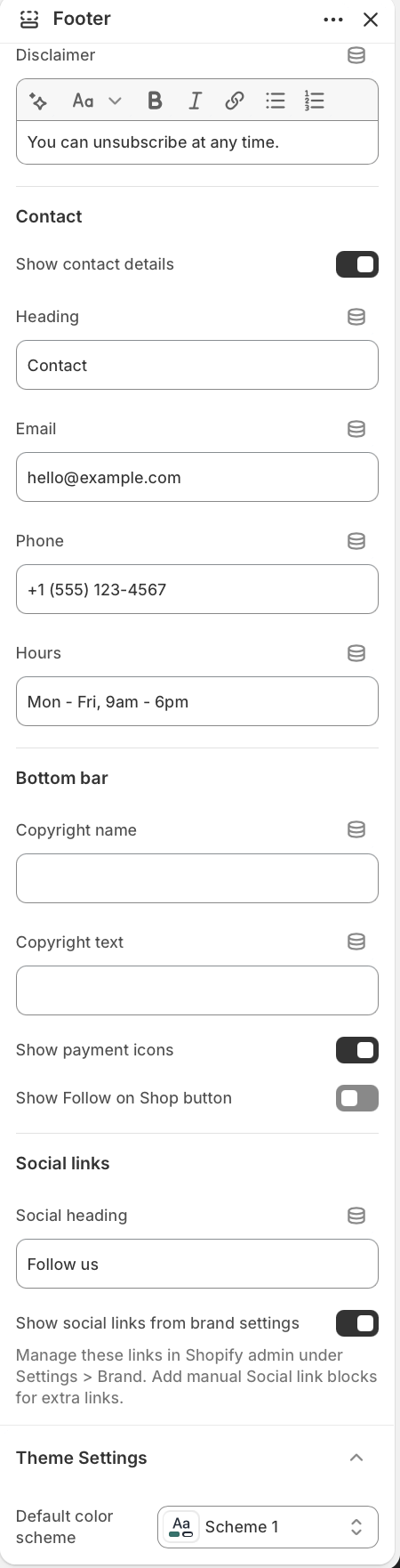
Enable Show newsletter signup, then edit the heading, body text, email placeholder, button label, and rich text disclaimer. The form uses Shopify's customer newsletter form and shows success or error messages after submission.